Containers within a pod can use localhost to access each other. Containers outside of the pod needs to use the pod name to access the containers in the pod.
- 0 posts
- 22 comments
- Asparagus0098@sh.itjust.workstoSelfhosted@lemmy.world•Asking for suggestions regarding Rootless PodmanEnglish1 year
I looked up when pasta became the default networking backend for rootless and it seems to have been with podman 5.0. I do remember using podman 5.x versions, so I was most likely using pasta.
The reason why I seperated each app into their own network was indeed for security. The only container with access to all the networks is the reverse proxy.
- Asparagus0098@sh.itjust.workstoSelfhosted@lemmy.world•Asking for suggestions regarding Rootless PodmanEnglish1 year
I made a comment on another post a while ago, talking a bit about inter-container/pod networking.
- Asparagus0098@sh.itjust.workstoSelfhosted@lemmy.world•How would I set up local DNS or DNS rewriteEnglish1 year
Do you actually need to move the admin ui off of port 80/443 if you are just forwarding ports? I don’t think you need to. That said I actually don’t know much about port forwarding since I use Tailscale because of CGNAT.
My understanding of port forwarding is that you are forwarding connections to your WAN IP/port to a LAN IP/port. Since the router admin ui is available only on LAN by default, you don’t need to change it’s port from 80/443.
- Asparagus0098@sh.itjust.workstoSelfhosted@lemmy.world•How would I set up local DNS or DNS rewriteEnglish1 year
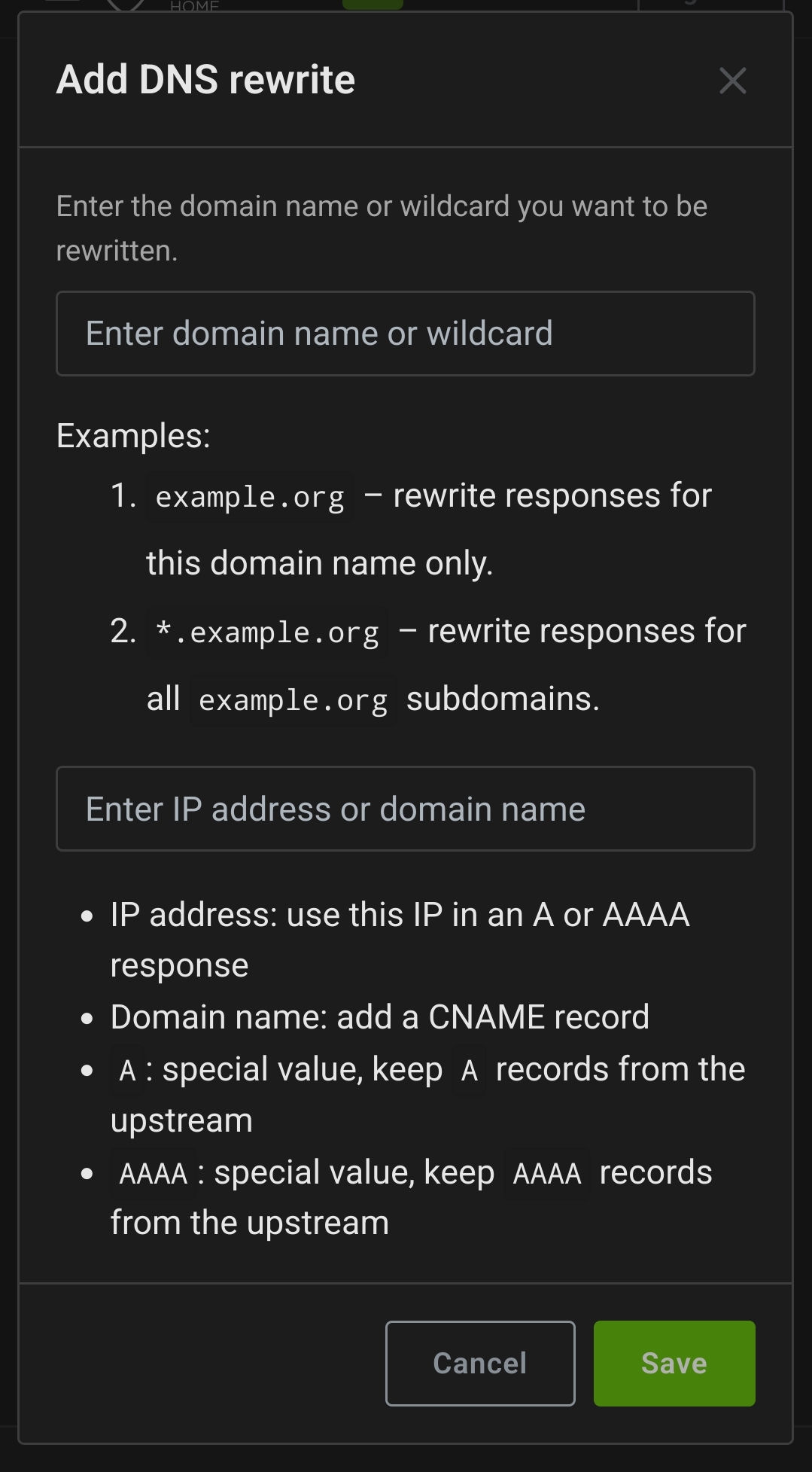
You don’t need 2 reverse proxies as others have said. What I did is just add a DNS rewrite entry in my adguardhome instance to point my domain.tld to the LAN IP of my reverse proxy.
I use some generic names.
- Phone: phone
- Current Laptop: fedora
- Old laptop: laptop
- Router: openwrt
- 1 year
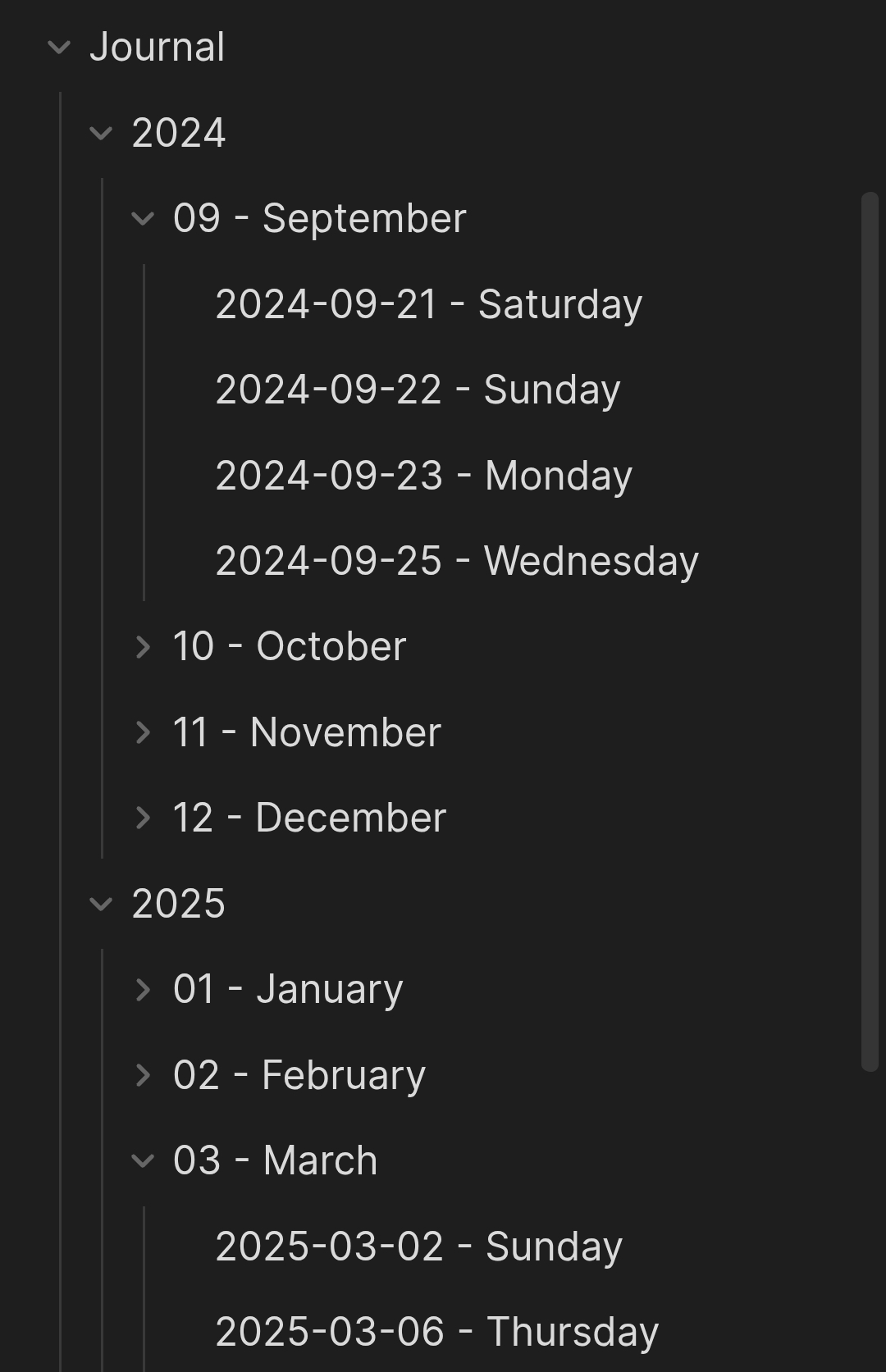
Yeah obsidian’s pretty nice. I use the daily notes feature built into it for my journal.

- 1 year
I ran a podman quadlet setup as a test some time ago. My setup was a little like this:
- Create a pod if the app uses multiple containers
- Create a seperate network for each app (an app is either a single container or multiple containers grouped in a pod)
- Add the reverse proxy container to all networks
- I don’t expose any ports to the host unless necessary
If you create a new network in podman you can access other containers and pods in the same network with their name like so
container_name:portorpod_name:port. This functionality is disabled in the default network by default. This works at least in the newer versions last I tried, so I have no idea about older podman versions.For auto-updates just add this in your
.containerfile under[]section:[Container] AutoUpdate=registryNow there’s two main ways you can choose to update:
- Enable
podman-auto-update.timerto enable periodic updates similar to watchtower - Run
podman auto-updatemanually
# Check for updates podman auto-update --dry-run # Update containers podman auto-update
If you run adguard home it’s pretty easy. Just add a DNS rewrite to your local IP.

How are you running nginx and immich exactly? With containers or on the host?I don’t know nixos that much but that looks like nixos configuration to me, so it’s running on the host I assume?
- 1 year
Some feeds I follow
- Adventures in Linux and KDE: https://pointieststick.com/feed/
- F-Droid: https://f-droid.org/feed.xml
- GamingOnLinux: https://www.gamingonlinux.com/article_rss.php
- Project Zomboid: https://projectzomboid.com/blog/feed/
- This Week in KDE Apps https://blogs.kde.org/categories/this-week-in-kde-apps/index.xml
- This Week in Plasma: https://blogs.kde.org/categories/this-week-in-plasma/index.xml
Obsidian with syncthing for syncing between my phone and PC.
- Asparagus0098@sh.itjust.workstoSelfhosted@lemmy.world•Secure Way to Expose Docker Containers to the Internet?English1 year
For Tailscale you can disable key expiry on select devices.
- Asparagus0098@sh.itjust.workstoSelfhosted@lemmy.world•How do you handle SSL certs and internet access in your setup?English1 year
I use traefik with a wildcard domain pointing to a Tailscale IP for services I don’t want to be public. For the services I want to be publicly available I use cloudflare tunnels.
- Asparagus0098@sh.itjust.workstoSelfhosted@lemmy.world•What do you host on your backup servers?English1 year
I think you have a misunderstanding. Restic and Borg checks the integrity of the backup repository and not the files being backed up.
- 2 years
i call it “butter FS”
Yeah quadlets are pretty cool. I have them organized into folders for each pod.
podman auto-updateis also another pretty nice feature. I don’t use the systemd timer for auto-update. Instead I just dopodman auto-update --dry-runto check for updates and update my quadlet files and configs if any changes are required then I run the updates withpodman auto-update.
podman-generate-systemdis outdated. The currently supported way to run podman containers using systemd services would be Quadlet files.https://docs.podman.io/en/latest/markdown/podman-systemd.unit.5.html
Edit: I just saw that you use debian so idk if Quadlets are a thing with the podman version on debian.
Any reason why you use compose and not quadlets?
Here’s another tool to import music metadata to musicbrainz.
https://harmony.pulsewidth.org.uk/