- 9 months
To me logging combined with a quick compilation has a good flow to it. Causes you to consider what you want to see and doesn’t change the workflow if multiple stacks are involved.
- 9 months
This is the way Although I also like:
File 1:
print(0.1)
print(0.2)
File 2:
print(1.1)
print(1.2)
…Minimal c+p+e effort
- humorlessrepost@lemmy.worldEnglish9 months
Too hard to find in a busy log.
console.log(‘===== here1’)
- 9 months
Can somebody reupload the image at a non-feddit.org host? Feddit is incredibly annoying in that it geoblocks most of Asia.
- 9 months
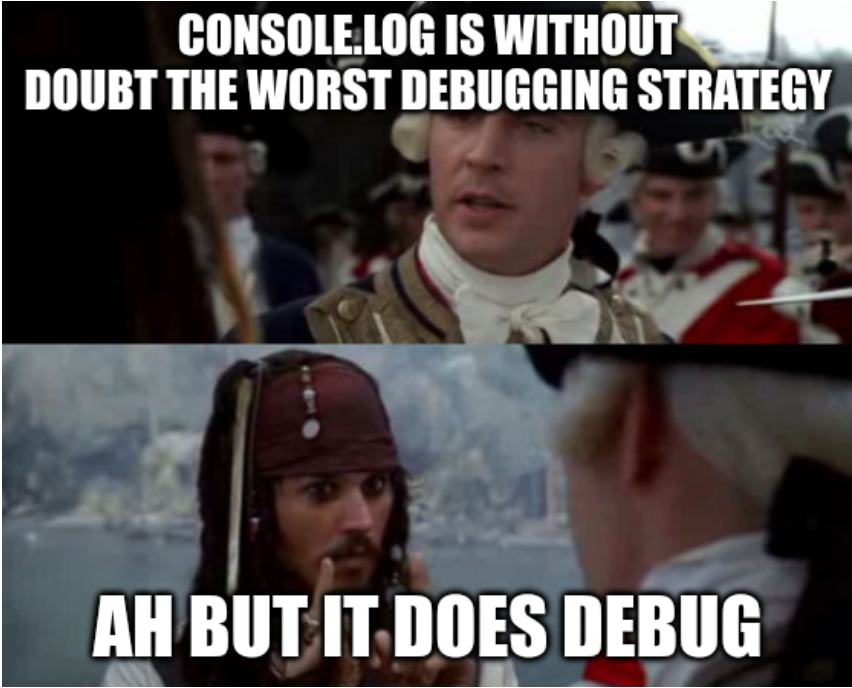
As someone who knows how to use a debugger, I can say for sure that log debugging is fine and often my first approach. If you have a good mental model of the code and the issue, it’s usually just 1-2 logs to solve the problem.
 9 months
It drives me crazy that half my coworkers do this, including a senior dev. I’ll be on a call trying to help debug something and it makes it so difficult not being able to set a breakpoint
- 9 months
I console.dir and debugger; and breakpoint all day. You are allowed to mix your strategies.
- null_dot@lemmy.dbzer0.comEnglish9 months
console for quick and dirty understanding but inspector for more complex fixes.
- Omgpwnies@lemmy.worldEnglish9 months
and the one that keeps getting slept on for some reason, watch breakpoints - stop when
foois changed. Great for figuring out what is screwing with your data whenfoomysteriously changes
- 9 months
I used to do debuggers until I started doing embedded and dipped my feet in multithreading (2 different projects). After many hours lost because the debugger straight lied to me about which line of code has been executed, a colleague suggested that I just do a printf like a filthy beginner. And 🤩it worked🤩 and I never went back to the unreliable world of debuggers. Even though now I’m mostly working with single-threaded python scripts.
There are literally university courses which confidently state “Console logging is far more used and better so we won’t talk about a debugger here”!
Like sure, it’s very likely to be used far more, but that doesn’t mean you shouldn’t at least offer some courses or modules about proper use of a debugger…
- 9 months
Can you set a breakpoint in production two days ago to debug an incident, though?
God, I wish. I’d throw money at whoever could implement such a thing. I guess its actually theoretically possible if you just sort of wrote the whole stack to an HDD but the amount of space that would take up lol.
But yeah, good logging (and not excessive logging!) is also extremely important
- 9 months
Not sure why you would say that. An alert() does not show you where in the code the alert was called from. A console log would show you.
- 9 months
There was a time when there was no console.log in javascript. Oh and browsers didn’t even have developer tools.
- 9 months
I remember those days. My comment still stands, I don’t know how your new reply explains why alert() is better in any way, shape or form. 😅
- 9 months
Oh, it’s a joke with a touch of irony. Maybe even sprinkle some sarcasm in too.
- 9 months
Old school. Also the flip side:
sudo tail -f /<path to server>/error.log- 9 months
Using -F with tail is even better than -f because it handles files getting truncated or getting created.
- oplkill@lemmy.worlddeleted by creator9 months
Goodluck to use debugger on client side where only bug happens
- 9 months
It’s like the real life kraken, I’ve never seen it but the name causes dread.
- 9 months
This is what peak performance looks like:
console.log("before dothething"); let r = dothething(); console.log("after dothething"); console.log(r);- 9 months
Be careful, the actual logging can happen at a later time, and because the log function may take a reference to the value, if you modify r it may show the modified version of r in the logging instead of the original r.
- 9 months
Honestly I use debugger when I have to go deep into some library’s bullshit code. My stuff should be stable clean and understandable enough to quickly see what’s happening with console log.
If I were to find myself needing debugger all the time with breakpoints and all this shit, it means shits has gone sideways and we need to back up and re-evaluate the code.
- 9 months
I am guilty of this but for a different reason: setting up debugging for clis in rust is hard
I love the debugger. I use it all the time I can. But when debugging cli it’s a pain as you need to go back in the launch.json file, remake the argument list, then come back to run debug, find out why tf it doesn’t find cargo when it’s the PATH… again, then actually debug.
- 9 months
I don’t feel at all guilty of doing this. Whatever works. Usually nothing is so complicated that I need to debug properly, instead of just inspecting some value along the way.
In fact, if it gets the bug resolved, it is—effectively—debugging.