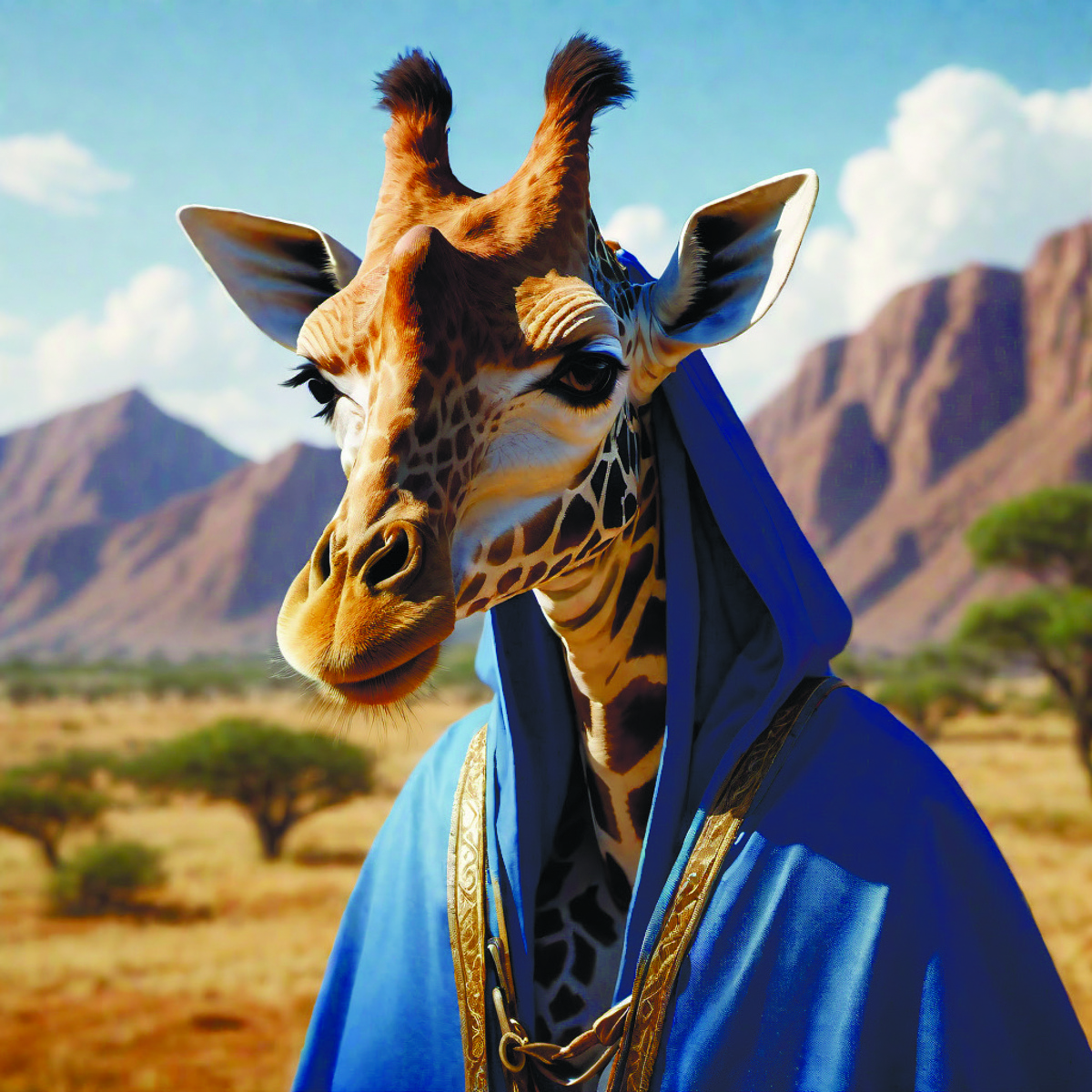
When I look at the thumbnail/preview the giraffe is facing left, but when I open the image it is facing right. Is this one of my settings in sync, a setting on my phone, or a bug?
You must log in or register to comment.
 3 years
A bit of guesswork here, but: back in ancient times if you flipped or rotated an image your computer would actually unpack the compressed image, transform it, then repack it and every time you did that it added to the JPEG Crunchiness, so more modern transform software instead just tags that the image is rotated and the viewer software renders it that way. My guess is that the software that makes the thumbnails doesn’t know how to read that tag. Thanks for coming to my TED Talk.
- CrayonRosary@lemmy.worldEnglish3 years
For rotating, sure, but for flipping, too?
Incidentally, the giraffe faces right when opened in Firefox, so this might actually be a Sync bug.
Direct URL to the image:
- Mom Nom Mom@nom.momEnglish3 years
It’s probably not a Sync bug, since it happens in other apps as well, though…
- cbarrick@lemmy.worldEnglish3 years
Yes.
I’ve also had images rotate compared to their thumbnail.
Device information
Sync version: v23.09.13-18:19 Sync flavor: googlePlay Ultra user: true View type: Smaller cards Push enabled: false Device: ASUS_AI2302 Model: asus ASUS_AI2302 Android: 13 - cyberic@discuss.tchncs.deEnglish3 years
They flip for me
Device information
Sync version: v23.09.13-18:19
Sync flavor: googlePlay

Ultra user: true
View type: Slides
Push enabled: false

Device: d2q
Model: samsung SM-N975U
Android: 12