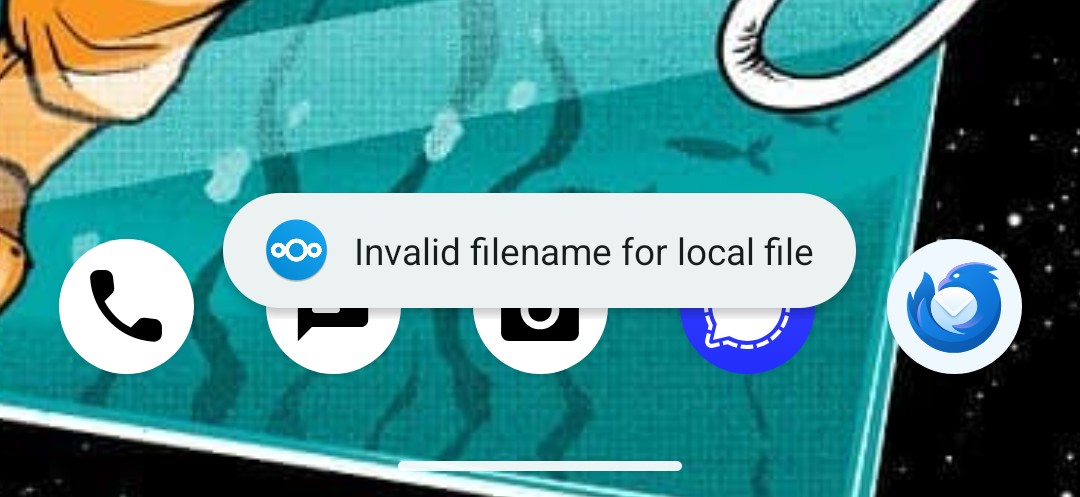
I am running grapheneos and got nc from fdroid if it matters. I also use nc on my local network only.
You must log in or register to comment.
- TangledRockets@lemmy.worldEnglish9 months
I’ve run into this when one person on a network is using Linux or Mac, and another Windows. They have different filename rules.
- cenzorrll@piefed.caEnglish9 months
Having just dealt with something similar from Linux to windows, I’m 97% sure this is the cause. Mine was a “same file name” issue because capitalization.
Also, it could be a temp file or hidden file that’s created by a program, like the recovery files made by libreoffice/word. They sometimes use weird characters.
- istdaslol@feddit.orgEnglish9 months
Maybe take a look into the settings->advanced and at the bottom there should be the log files for the app. There should be at least more info
- 9 months
I dont see advanced settings in the mobile app, i even checked logs in the computer hosting the NC, but nothing as to what files might be causing the errors
- 9 months
I stopped using nextcloud after syncing suddenly broke for me, but in the app on my phone I could pull up the list of files with sync errors. It should be somewhere in the sync setting section.
- dukatos@lemmy.zipEnglish9 months
Probably is .htaccess file. Or, a file with ~ in the filename. I switched to syncthing because of this shit.
- 9 months
If you’re running nc locally, check the logs, maybe there’s something relevant in there.
- 9 months
I checked the computer that is hosting my NC but dont see anything that would say these files are the issue.
 9 months
Another thing to check is the file path. Most systems abide by a 255 character limit and that limit can be crossed by parent folders having too many words in them.